MD5 · text and files
MD5 Hash Generator
Get the MD5 hash of text or a file, and paste a published checksum to see whether they match. Files of any size are read on your device and never uploaded.
Type text or choose a file below.
Hashed in your browser with our own RFC 1321 implementation. Files are never uploaded. Verify it
What Is an MD5 Hash?
MD5 is a hash function that Ronald Rivest published as RFC 1321 in April 1992. It turns any input - a word, a document, a 4 GB disk image - into a 128-bit value, written as 32 hexadecimal characters. The same input always gives the same hash, and changing a single bit of the input changes the hash completely.
For example, the MD5 of hello is 5d41402abc4b2a76b9719d911017c592, and the MD5 of abc is 900150983cd24fb0d6963f7d28e17f72 - the second one is one of the test values in RFC 1321, which this tool is tested against.
Web browsers do not include MD5 in their built-in Web Crypto API, so this page uses its own implementation of RFC 1321. Its source code is published on this site, and it is checked against the RFC test suite and against md5sum output.
How to Verify a File With an MD5 Checksum
- Choose the file in the tool above. It is hashed on your device.
- Paste the checksum published next to the download into "Expected checksum". Upper or lower case, spaces and the
md5sumformat (hash file name) all work. - Read the verdict. A match means your copy is identical, byte for byte, to the file the checksum was made from. Any difference means it was damaged or is a different file.
The same check on the command line:
- Linux:
md5sum file.iso - macOS:
md5 file.iso - Windows PowerShell:
Get-FileHash file.iso -Algorithm MD5 - Windows Command Prompt:
certutil -hashfile file.iso MD5
If the publisher also lists a SHA-256 checksum, use that one instead - with the SHA-256 generator. It answers the same question and is not broken.
MD5 Is Broken for Security
A secure hash function should make it infeasible to find two different inputs with the same hash - a collision. For MD5 this stopped being true long ago: collisions were demonstrated in 2004, could later be found in about a minute on ordinary hardware, and had been applied to X.509 certificates by 2007. RFC 6151, published in 2011, concludes that MD5 is no longer acceptable where collision resistance is required, such as digital signatures.
What that means in practice:
- Fine: detecting accidental corruption - a broken download, a bad copy, a failing disk. Random errors do not try to produce collisions.
- Not fine: proving a file was not tampered with, signatures, certificates, or anything where an attacker could prepare the input. An attacker can make two different files with the same MD5.
- Never: storing passwords. MD5 is fast to compute, which is exactly what someone guessing passwords wants.
A checksum also only helps if it comes from a source the attacker does not control. If someone can replace the file on a server, they can usually replace the checksum next to it too. The MD5 vs SHA-1 vs SHA-256 guide explains why signed releases solve this and checksums alone do not.
MD5 Hash Generator FAQs
Is my file uploaded to calculate the MD5?
No. The browser reads the file on your device, a few megabytes at a time, and hashes it in a background worker. No request is made - you can confirm it in your browser's Network tab, or disconnect from the internet after the page has loaded.
Is there a file size limit?
No fixed limit. MD5 is computed in 4 MB chunks, so even a multi-gigabyte disk image does not have to fit in memory. Large files simply take longer; the progress is shown next to the file name.
Can an MD5 hash be decrypted?
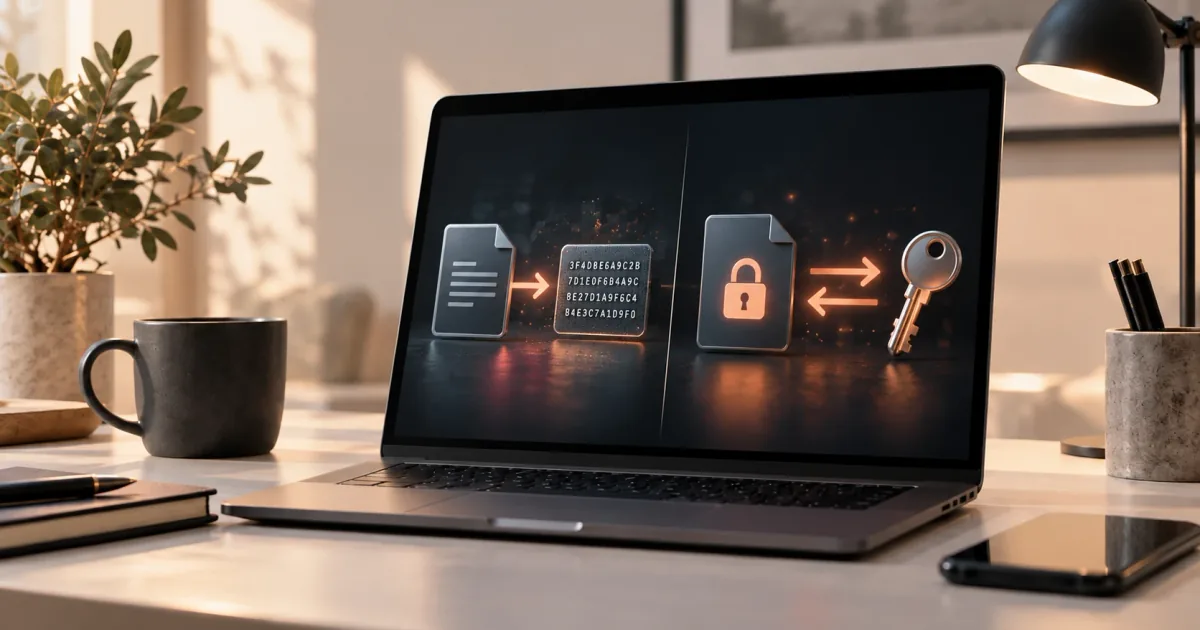
No. MD5 is a hash, not encryption: there is no key and no way to run it backwards. Sites that offer to "decrypt" MD5 look the hash up in tables of hashes of known inputs, so they can only find inputs someone has hashed before - common words and leaked passwords. See hashing vs encryption.
Is MD5 still secure?
Not for security. Practical MD5 collisions have been known since 2004, and RFC 6151 says MD5 is no longer acceptable where collision resistance is required, such as digital signatures. It is still fine for spotting accidental corruption.
Should I use MD5 to store passwords?
No. MD5 is extremely fast, which helps anyone guessing passwords against a stolen database. Use a slow, salted password hashing algorithm such as Argon2id, scrypt or bcrypt - see how passwords should be stored.
Why does my MD5 differ from another tool for the same text?
Usually because the bytes differ, not the algorithm: a trailing newline, Windows line endings or a different text encoding all change the hash. This tool hashes exactly what is in the box, as UTF-8. For files there is no such ambiguity - the bytes are hashed as they are.
Related guides

MD5 vs SHA-1 vs SHA-256
Hashing vs Encryption