Passphrases and sign-in
Password Ideas
Good password ideas by situation: random words for the few you memorize, a manager for the rest. Plus popular ideas that fail, with estimator scores.
The best password idea is not an idea
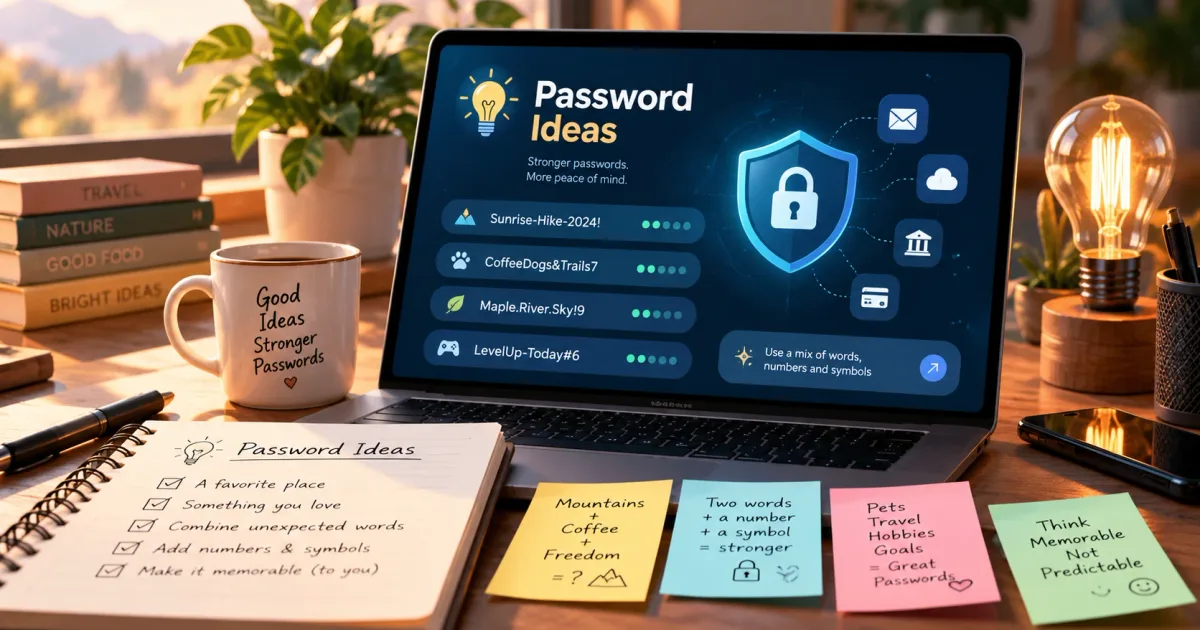
When you need a new password, the natural move is to think of something. A pet, a place, a line from a song, with a number on the end. That is the part that goes wrong. Anything you can think of, someone else has thought of too, and guessing tools try those ideas first.
So the useful "idea" is a method where you do not choose the secret at all. Dice or a secure random generator choose it, and you decide only how to store or remember it. EFF's Joseph Bonneau makes the same point: people are not good at making random choices, while the strength of a randomly generated passphrase is easy to measure [2].
This guide covers the ideas people reach for, which ones fail and why, and which ones hold up. For the word-based method in depth, see What Is a Passphrase?.
Popular password ideas that fail
These ideas feel personal, which is exactly why they are weak. Guessing tools start from leaked passwords, dictionary words, names and common patterns. NIST requires services to compare new passwords against a blocklist of commonly used, expected or compromised passwords [1], and the same lists show attackers what to try first.
Scores from the same estimator as our checker
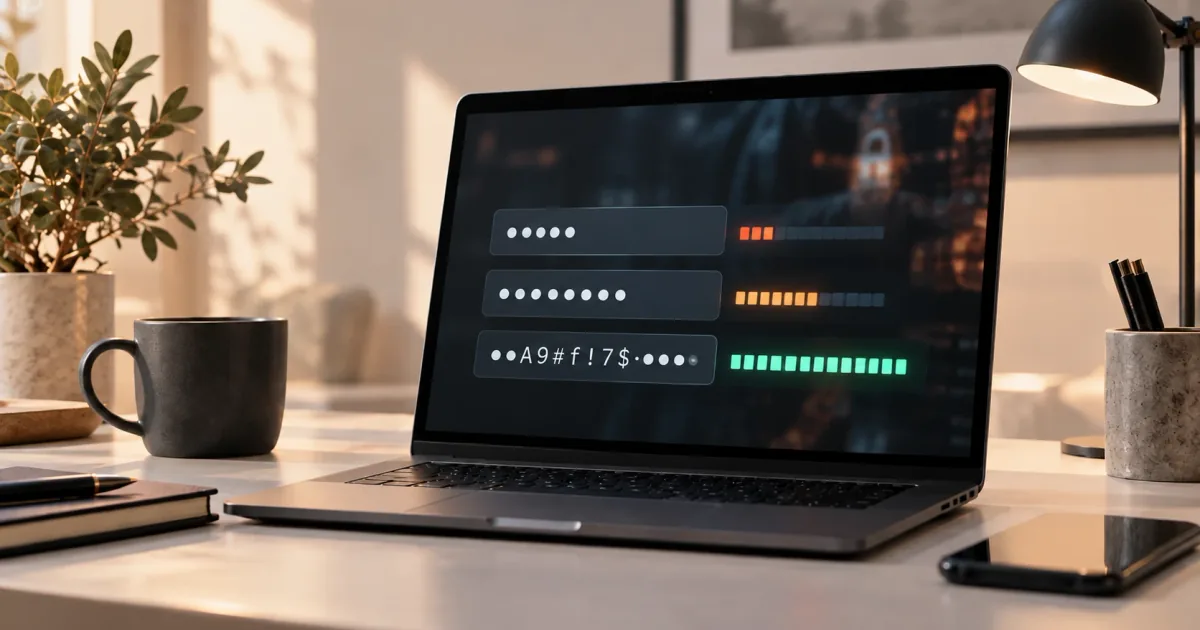
We ran each idea through zxcvbn-ts, the estimator behind our password strength checker. It estimates guesses from word lists and patterns, shown here as bits (log2 of the estimated guesses; each bit doubles the work). The ratings use the site's scale: under 28 bits very weak, 28 weak, 36 fair, 60 strong. These are estimates from one tool, not measurements of a real attack.
| Idea | Example | Estimate | Rating |
|---|---|---|---|
| Pet name + year + symbol | Fluffy2019! | 26.6 bits | Very weak |
| A sentence about yourself | ILoveMyDog! | 33.3 bits | Weak |
| A word repeated | Bluebird!Bluebird! | 16.8 bits | Very weak |
| Site name inside a "pattern" | Sunshine#Netflix1 | 37.5 bits | Fair |
Each one looks long and mixed. The estimator sees through it. Fluffy2019! is a word, a year and the most common ending. ILoveMyDog! is a short phrase that sits at rank 77 in the common-password list the estimator uses. Repeating a word does not double the work, because "the same again" is itself a pattern.
The last row deserves a closer look, because it is the idea people think is clever: one base word and a different part per site. It scores "fair", yet it fails for a different reason that no estimator shows. If one site is breached, the leaked password reveals the pattern, and the other sites' passwords can be guessed from it. This is our reading of how attackers behave, not a measured figure. What is documented is the broader risk: reused or related passwords make a breach spread.
Why "my own twist" does not help
Replacing a with @, adding !, or capitalizing the first letter are changes everyone makes in the same places. NIST notes that people respond to composition rules in predictable ways [1]. A twist you invented is, statistically, a twist many others invented. Names, birthdays, keyboard walks such as 1qaz2wsx, and famous quotes fail for the same reason: the secret is already in text that attackers can collect. Strong Password Examples tests more of these side by side.
Password ideas that work
Both ideas below get their strength from a random source, not from your creativity.
Random words, for what you must memorize
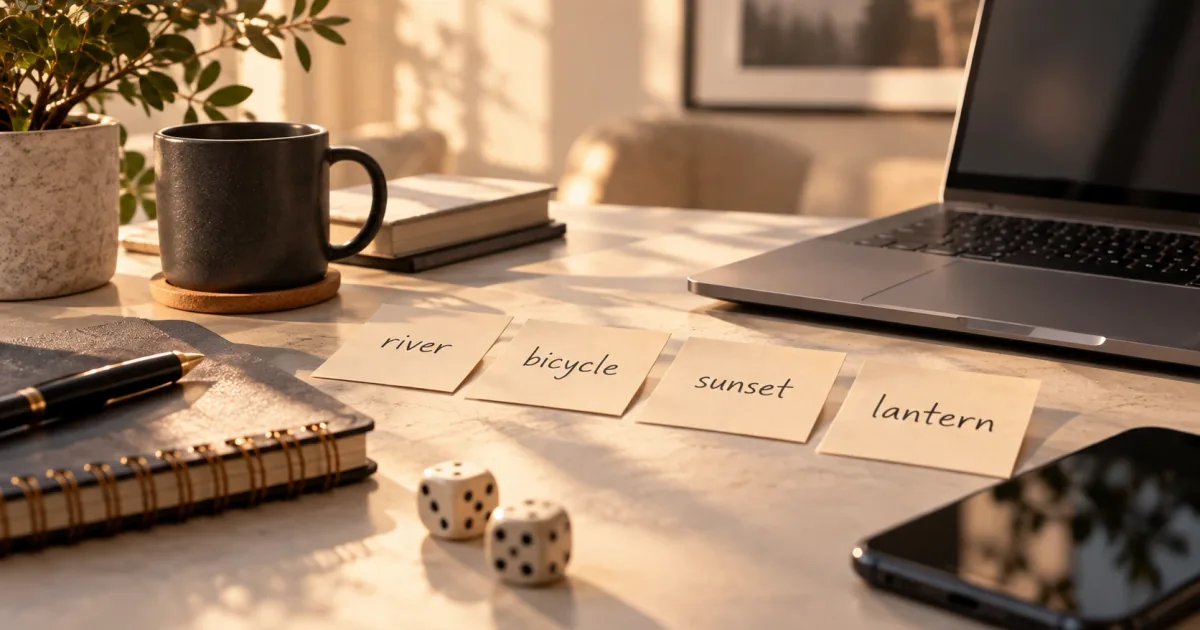
A passphrase is a password made of several words. It is strong only when the words are picked at random: roll five dice per word against the EFF large list of 7,776 words, or use a generator that does the same [3][4]. Each word adds about 12.9 bits, and EFF recommends at least six words [3][4].
Here is how the size changes. These were generated for this page with Node.js crypto.randomInt from the EFF large list. They are examples only: never use them, or any example you read online.
| Words | Example | Entropy | Average time at 10^12 guesses/s (estimate) |
|---|---|---|---|
| 4 | jovial-onlooker-bunkmate-gigabyte | 51.7 bits | about 30 minutes |
| 5 | darkish-perpetual-fanatic-womanlike-majesty | 64.6 bits | under half a year |
| 6 | closable-conjure-employer-handsfree-devourer-anchor | 77.5 bits | about 3,500 years |
The time column uses the site's largest scenario: a cluster making 10^12 guesses per second against a stolen fast hash, with the average at half the keyspace. Against a slow hash such as bcrypt (10^4 guesses per second in our scenario), the same four words take thousands of years, but you cannot know how a site stores your password, so plan for the fast case. Six words is the sensible default for anything important.
Make random words easy to remember
Random words are hard to recall at first. EFF suggests a mnemonic story: a short, vivid scene that links your words in order [3][4]. For closable-conjure-employer-handsfree-devourer-anchor, you might picture a lock you can close, a magician conjuring your boss, who then eats a ship's anchor while on a hands-free call. The odder the scene, the easier it sticks. Keep the story private; it is a memory aid, not part of the password.
Type the passphrase a few times over the first days. EFF's advice is to use it for one purpose only, because a passphrase leaked from one site can be tried on your other accounts [4].
A random password in a manager, for everything else
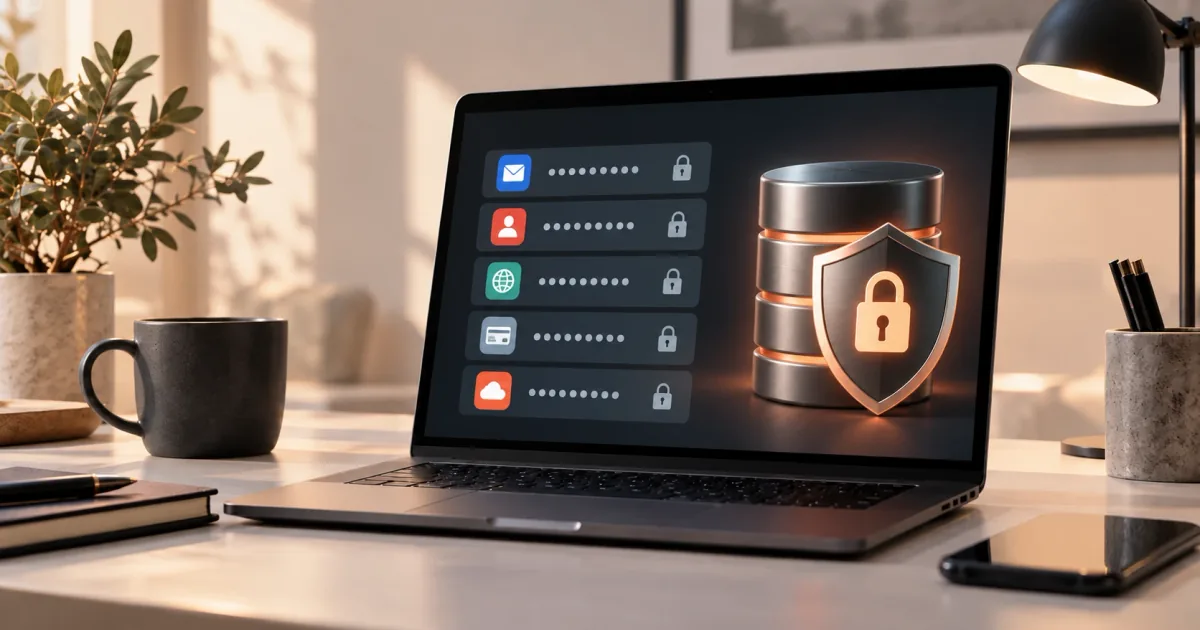
Most accounts do not need an idea at all. A password manager can generate a long random password, store it and fill it in, a different one for every site. CISA's guidance is the same: long, random and unique, with a password manager to hold them [5]. Our password generator makes 16-character passwords with about 105 bits of entropy in your browser. If you are unsure about trusting a manager, read Are Password Managers Safe?.
The two ideas fit together: memorize one passphrase, the one that unlocks the manager, and let the manager remember everything else.
Password ideas by situation
| You need | Idea that works | Tool |
|---|---|---|
| A password manager's master password | Six random words with a mnemonic story | Passphrase generator |
| A laptop or phone you unlock by typing | Six random words | Passphrase generator |
| Any website account | Random 16+ characters, saved in the manager | Password generator |
| A Wi-Fi password guests will type | Random words, or a shorter random string without look-alike characters | Wi-Fi password generator |
| A PIN | Random digits, never a birth year or a repeated digit | Random PIN generator |
| A site with a short maximum length | The longest random password it accepts, then ask the site to raise the limit | Password generator |
NIST asks services to accept at least 64 characters and to require at least 15 for a password used on its own [1]. If a site refuses long passwords, that is a weakness in the site, not a reason to pick a clever short one.
Check an idea before you use it
If you still want to use a password you made up, test it first. Type it into the password strength checker. It runs in your browser and shows which part is a name, word, date or keyboard pattern. A low score means guessing tools will find it early. A high score on a human-made password is not proof either, so treat the checker as a way to catch bad ideas, not to approve good ones.
Use the ideas, then generate your own
Every example on this page is published, so its real strength is close to zero. Use them to see the pattern and generate a fresh password of your own: random words from the passphrase generator for what you must remember, a random password from the main generator for the rest. Password Security Tips covers the habits that go with them, such as turning on two-factor authentication.
Frequently asked questions
What are good password ideas?
Random words picked by dice or a generator, such as six words from the EFF list, for the few passwords you must memorize. For everything else, a long random password saved in a password manager. Ideas built from your own life, such as names, pets and dates, are the ones guessing tools try first.
What are good password ideas that are easy to remember?
Are creative password ideas safer than ordinary ones?
Not usually. Creative twists such as @ for a or an extra ! are made in the same places by many people. Randomness from a generator is safer than cleverness.
Is it safe to use a base word with a different ending for each site?
It is better than reusing one password, but weaker than it looks. If one password leaks, the pattern can be guessed for your other accounts. A unique random password per site avoids the problem.
Can I use the example passwords from this page?
No. They are published, so anyone can put them on a list. Generate your own.
References
- NIST, SP 800-63B Revision 4: Digital Identity Guidelines — Authentication and Authenticator Management, final, August 2025, https://pages.nist.gov/800-63-4/sp800-63b.html — 15-character minimum for single-factor passwords; at least 64 characters SHOULD be permitted; SHALL NOT impose other composition rules; SHALL compare new passwords against a blocklist of commonly used, expected or compromised passwords; people respond to composition rules in predictable ways.
- Joseph Bonneau, EFF, EFF's New Wordlists for Random Passphrases, 19 July 2016, https://www.eff.org/deeplinks/2016/07/new-wordlists-random-passphrases — 7,776-word large list, 12.9 bits per word; people are not good at making random choices; strength of random passphrases is easy to measure.
- EFF, EFF Dice-Generated Passphrases, accessed 2026-10-21, https://www.eff.org/dice — five dice per word from the long list; at least six words; mnemonic story; use a passphrase for a single purpose.
- EFF, Diceware (one-page guide), revised 8 July 2025, https://www.eff.org/files/2025/08/19/diceware.pdf — six-word minimum from the long list, mnemonic story, single-purpose use and the reuse risk, protecting a password manager with the passphrase.
- CISA, Use Strong Passwords (Secure Our World), accessed 2026-10-21, https://www.cisa.gov/secure-our-world/use-strong-passwords — strong passwords should be long (at least 16 characters), random and unique; password managers to generate and store them.